

Hotel PMS Setup Guide for New Hotels from A to Z: Practical Experience
Published: | views: 0
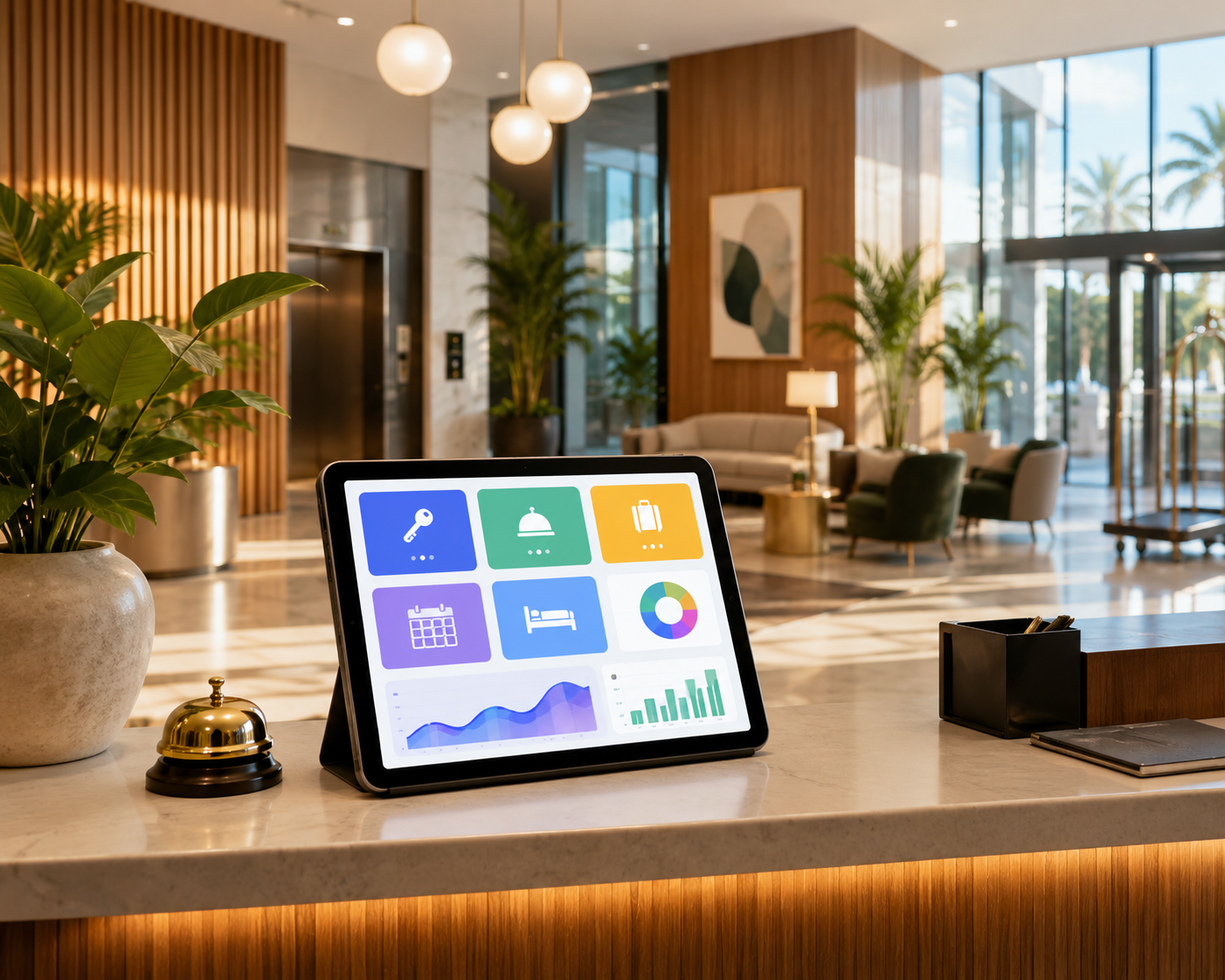
Sharing experiences in setting up a hotel PMS for newly built or newly operated hotels. The standardized process helps optimize revenue and manage effectively.
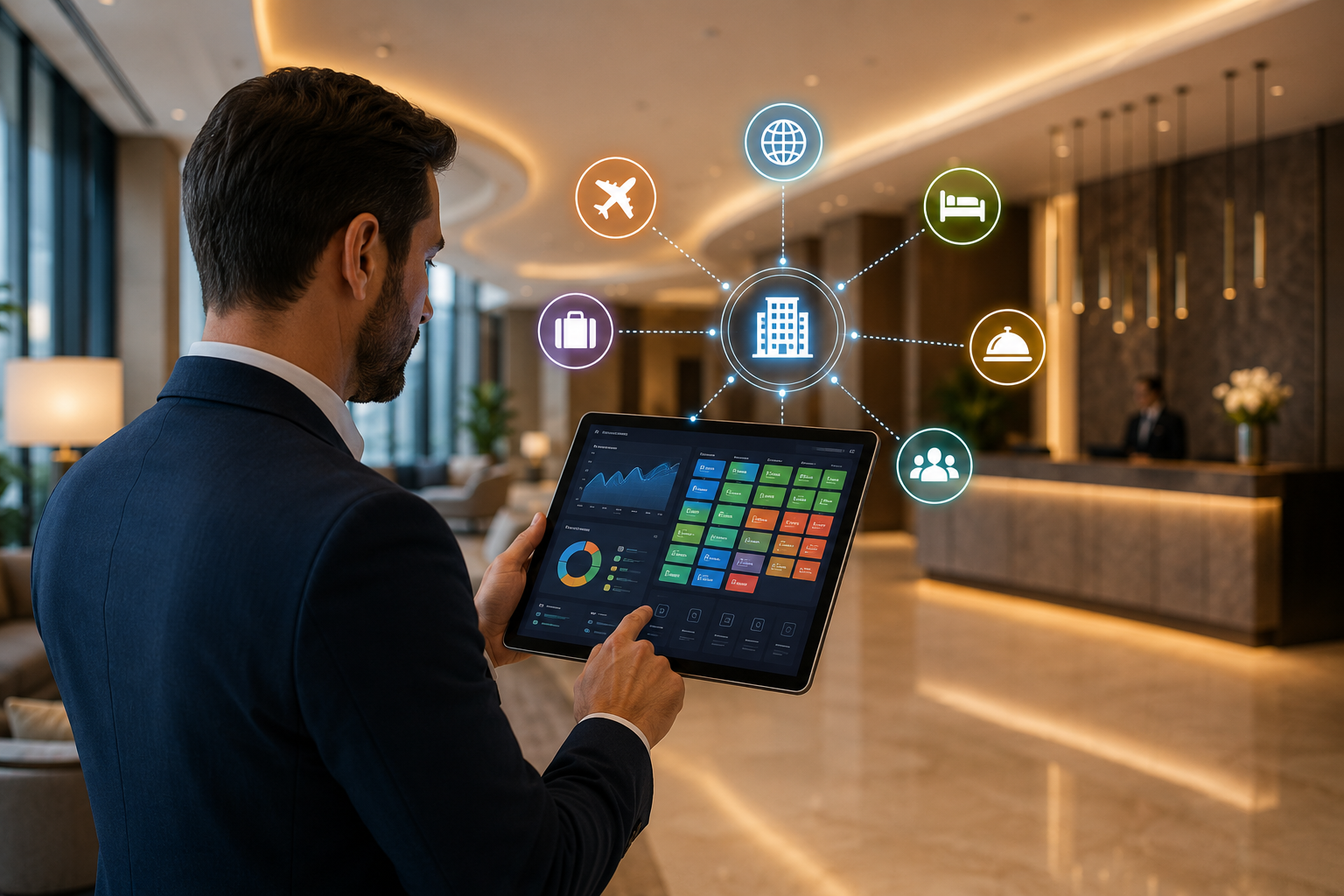
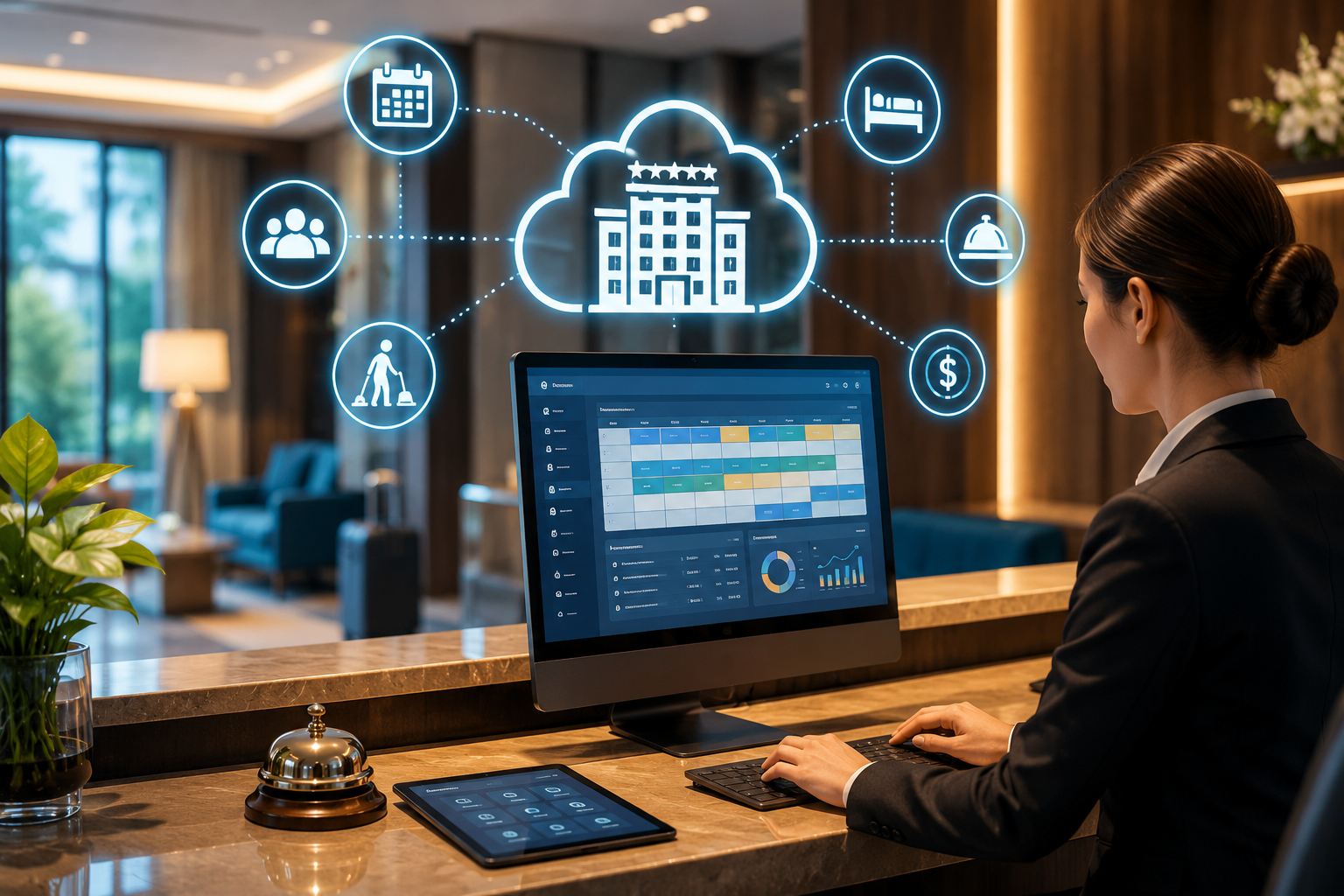
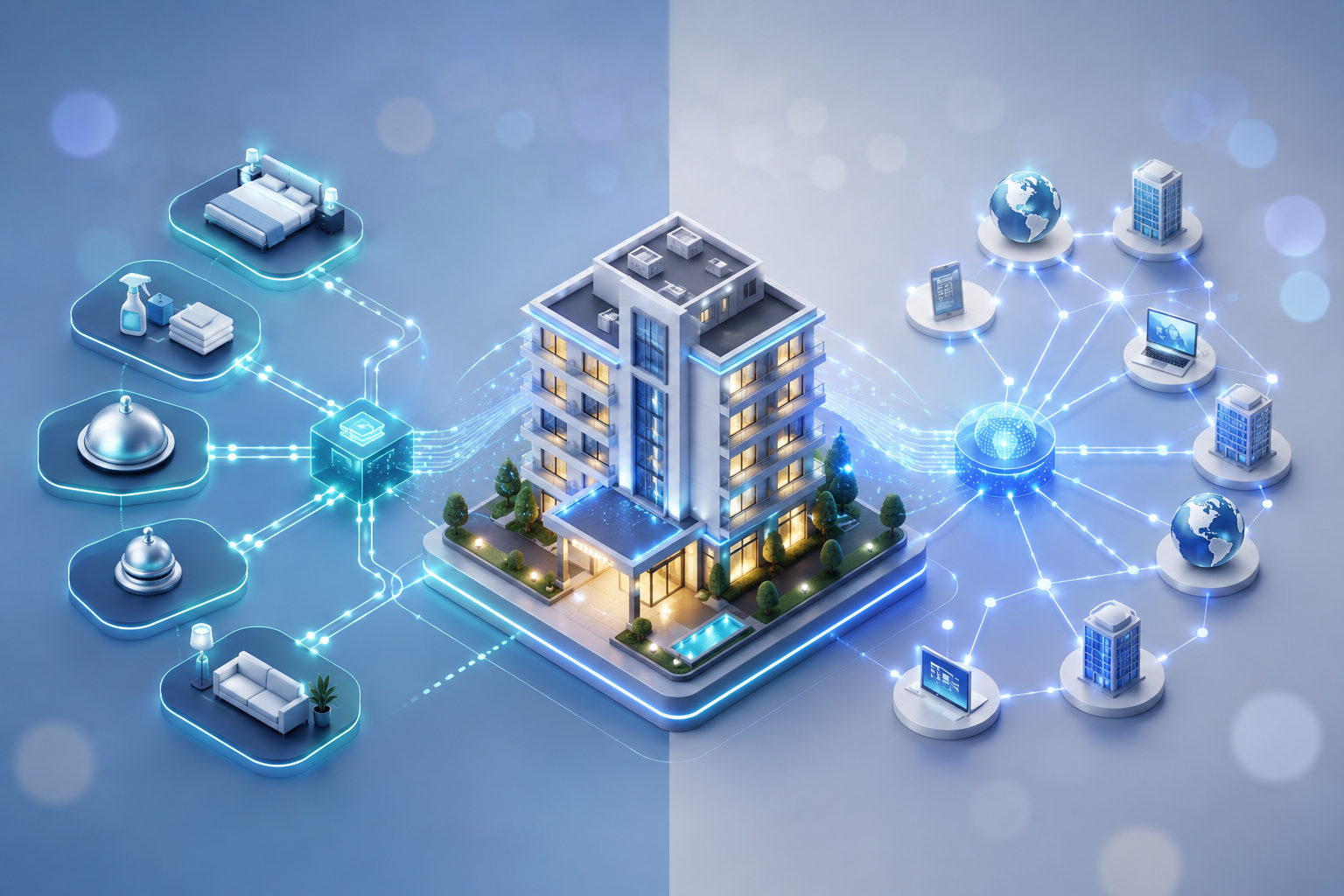
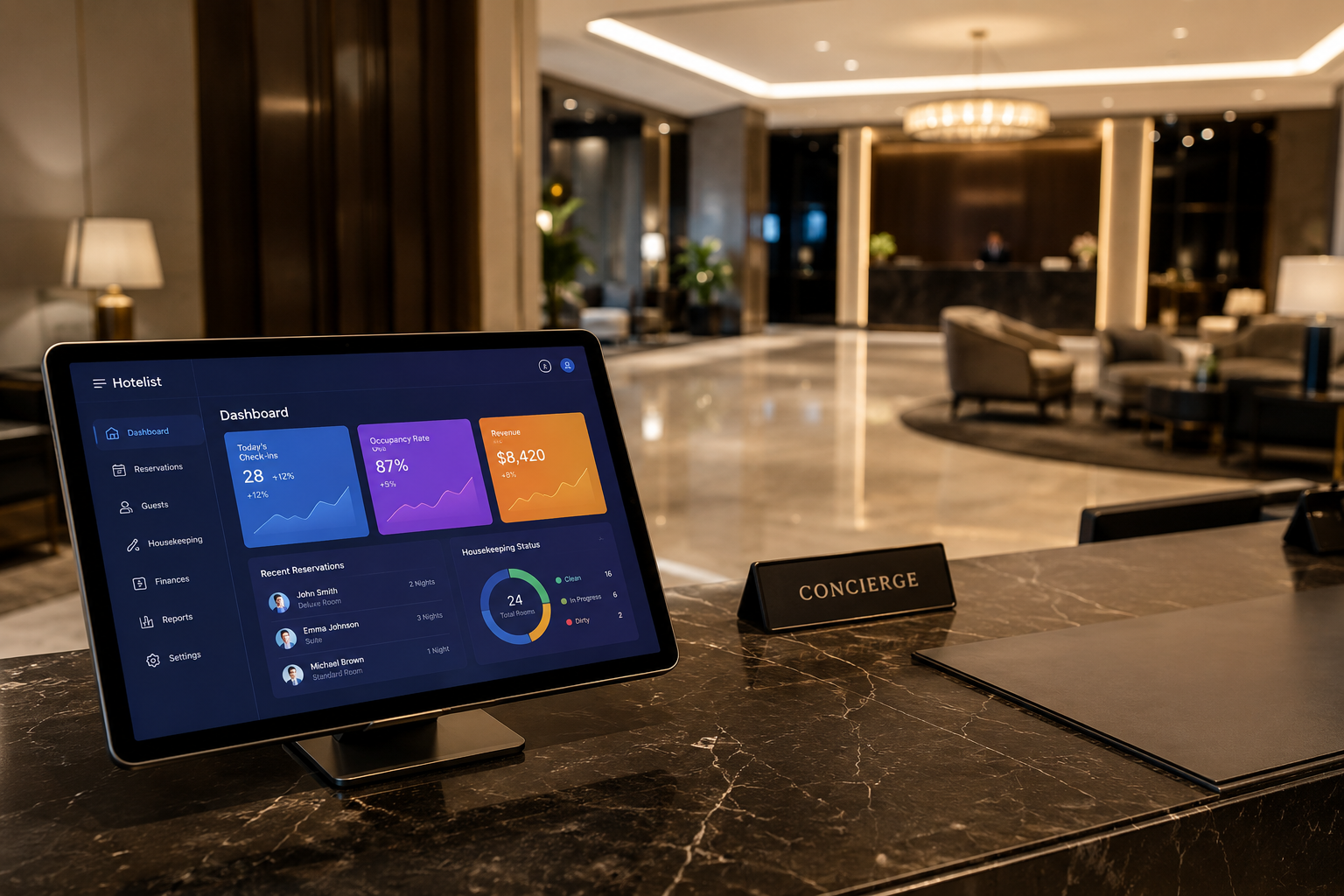
When preparing to open a new hotel, there are hundreds of nameless tasks to complete. Among them, setting up the Property Management System (PMS) plays a decisive role in smooth operations later on. An accurate hotel PMS setup process not only helps optimize revenue but also enhances the guest experience from the very first days. This article will share practical experiences to help you successfully deploy a PMS for your new hotel. Why is setting up a hotel PMS important for a new hotel? The PMS system is likened to the "brain" of all hotel operations. From room management, bookings, check-in/check-out to accounting and revenue reporting, everything depends on this system. For a new hotel, setting up the hotel PMS correctly from the start brings outstanding benefits: Workflow synchronization: Helps departments (Front Desk, Housekeeping, Sales, Accounting) connect closely, minimizing errors caused by manual communication. Prevent revenue loss: Tightly manage room rates and add-on services, and minimize overbooking. Build a standardized customer database: Store accurate customer information from the beginning to serve future marketing campaigns. Enhance professionalism: Guests will be impressed by the quick check-in process and clear invoices. Professional 5-step hotel PMS setup process To ensure a smooth deployment process, you need to follow a scientific workflow. Below are the 5 core steps drawn from the experience of hotel operations experts: Step 1: Identify needs and choose the right provider Before starting the installation, you need to clearly define the hotel's scale, customer segment, and budget. Currently, there are two popular types of PMS: Cloud-based and On-premise. For new hotels, Cloud PMS is usually preferred due to its flexibility, low initial investment cost, and remote accessibility. Step 2: Standardize and set up system data This is the most time-consuming step when setting up a hotel PMS. You need to define and enter basic information into the system, including: Room mapping: Room numbers, floors, room types (Standard, Deluxe, Suite...). Rate plans: Seasonal rates, holiday rates, travel agent (TA) rates, OTA rates, surcharge policies. Add-on service information: Restaurant, spa, laundry, minibar. Step 3: Integrate peripheral systems (Integrations) An isolated PMS system will not be able to maximize its effectiveness. You need to request the provider to integrate the PMS with other tools such as: Channel Manager: Synchronize room availability and rates to OTA channels (Agoda, Booking.com, Expedia...) in real-time. Door Lock System: Automatically generate room cards when receptionists check in guests on the PMS. POS (Point of Sale) System: Synchronize dining costs at restaurants and spas directly to the guest's room bill. Payment Gateway: Support quick card and QR code payments. Step 4: Train staff to use the software Technology is only truly effective when people master it. Spend at least 1-2 weeks before the opening day to train all staff. The training process should be divided by specialized departments and include practical tests (such as handling guest complaints, sudden room changes, last-minute cancellations). Step 5: Go-live & Testing Before officially welcoming the first guests, run a trial of the system (Dry Run) for 3-5 days. Role-play as a customer to test the entire process from booking, check-in, using services, to check-out and payment to detect and fix errors in time. Comparison of Cloud PMS and On-premise PMS for new hotels To help you get an overview and make the most suitable choice when setting up a hotel PMS, please refer to the comparison table below: Criteria Cloud-based PMS (Cloud) On-premise PMS (On-site) Initial cost Low (Pay monthly/annual subscription fee) High (Purchase license, invest in hardware server) Accessibility Anytime, anywhere via Internet (Laptop, Phone) Limited to the hotel's internal network Maintenance & Updates Provider automatically updates for free Hotel self-maintains or purchases technical support package Suitable for Small and medium hotels, Homestays, Boutique Hotels Large resorts, international chain 4-5 star hotels Practical experience when setting up a hotel PMS to avoid mistakes Based on practical deployment experience for many new hotel projects, here are the crucial lessons you need to keep in mind: Do not go for cheap options: A cheap PMS software that frequently disconnects or lacks integration features will cause much greater revenue loss than the saved costs. Focus on information security: Ensure the PMS has clear staff permission settings. Receptionists must not have the right to modify historical revenue; only managers or accountants should have this permission. Choose a provider with 24/7 support service: Hotels operate continuously day and night. If the system encounters an issue at 2 AM without technical support, it will be an operational disaster. Frequently Asked Questions (FAQs) about hotel PMS setup How long does it take to set up a hotel PMS? The average deployment time ranges from 2 to 4 weeks depending on the hotel's scale and the number of systems to be integrated. For small homestays using a basic Cloud PMS, setup can be completed in just 3-5 days. Does a small hotel (under 20 rooms) need to set up a hotel PMS? Absolutely necessary. Despite the small scale, using a PMS helps you manage room availability accurately, avoid forgetting guest bookings, and professionalize services, creating momentum for future growth. Can I set up the hotel PMS by myself? Most reputable PMS providers have a technical team to support your initial setup. However, you need to proactively provide accurate room mapping and rate plans so they can configure the system as desired. Conclusion Successfully setting up a hotel PMS is a solid stepping stone for the long-term development of a new hotel. Invest your time, effort, and budget wisely in this phase to reap the sweet fruits of smooth operations and absolute customer satisfaction. Wishing your hotel a grand opening and successful business!